Mobile detailing software: the day’s route in one tap
Three addresses before lunch, two after. The technician opens the phone, sees the cars in order, taps “On my way”, and the customer gets an email that the technician is coming. Navigation opens in Google Maps or Waze.
7 days free · no card · we move your data for you
CRM for mobile technicians
The day’s route
The technician’s visits in order: address, car, services, a call button. “Whole route in Google Maps” builds the drive from the shop address through every stop.
Schedule by technician
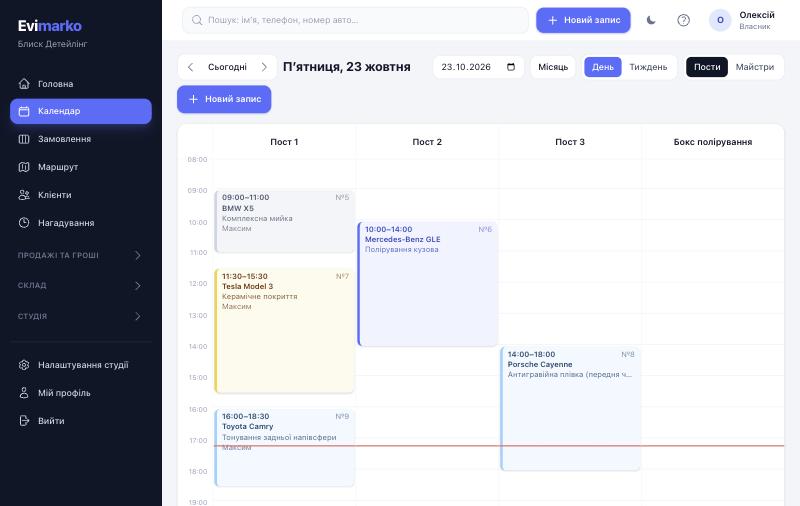
No bays, just people. The calendar shows each technician, and online booking won’t put a customer at a time when the technician is at another address or off.
“On the way”
The technician taps “Left for the customer” and the customer gets an email. On site it is “Start”, then the same as in a shop: photos, checklist, signature.
Priced per kilometre
Tow truck call-out, towing per km, car transfer, parts delivery. Enter the kilometres and the price is calculated.
Shop plus mobile
Have both a bay and mobile work? Each service is marked: in the shop, mobile, or both. In booking the customer only sees what fits and enters the address right away.
Technician routes: what’s not there yet
The system doesn’t calculate distances between addresses or the shortest order of stops. You set the order; the navigator drives. This can be added later together with a paid mapping service.
Simple pricing
Every plan is free for 7 days, no credit card required.
For businesses and solo techs
Solo
$12 / month
- 1 person — just you
- Everything for work — nothing cut
- Booking, calendar, signed check-in, photos
- Stock, film, profit of every car
- Hired a tech? Switch to “Start” in one click
Start
$29 / month
- Up to 3 staff
- Everything you need — nothing cut
- Booking, calendar, signed check-in, photos, checklists
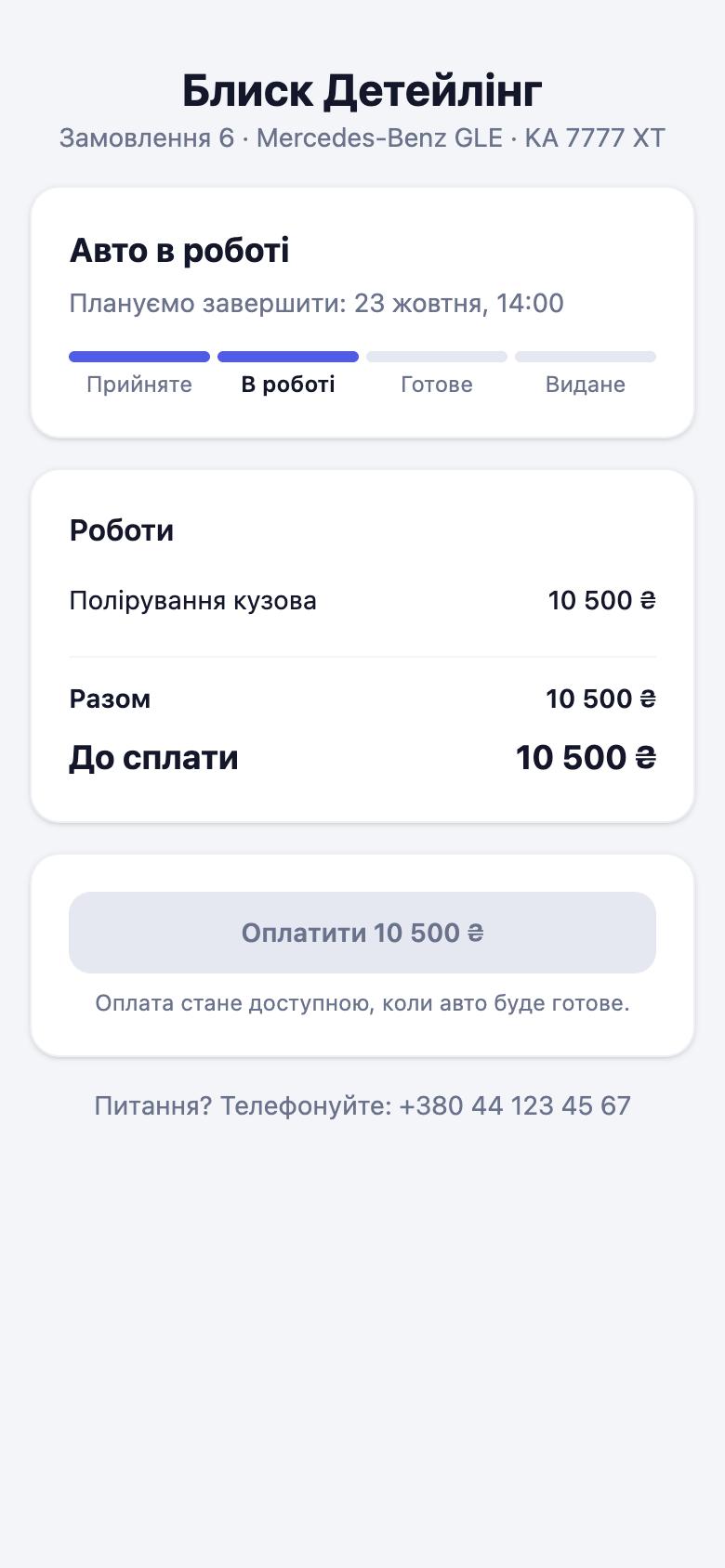
- Client link: status, findings with photos, approval, payment
- Stock, film, paint mixes, suppliers
- Pay per service, profit per car
Business
$49 / month
- Up to 10 staff
- Everything in Start
- Fast support on Telegram
- For businesses with several technicians and bays
Pro
$79 / month
- Unlimited staff
- Everything in Business
- Accounting export and fiscal receipts
- IP telephony, API and webhooks (Zapier, Make, n8n)
- Priority support
- We migrate your data from Excel / other CRMs for you
For larger businesses
Network
Big team, your own processes and requirements — we set you up, migrate data and train the team.
from $149 / month
Talk to us- Unlimited staff
- Everything in “Pro”
- Personal manager and team training
- We migrate all your data
- Custom work for your processes
- Priority support
Questions
How do I keep track of mobile jobs?
Each visit is a job with an address in the technician’s schedule. You see how many visits per day, who went and what they earned. Per-km services cover the drive for towing or car transfers.
I have one technician and a van. Which plan?
“Solo”, $12 a month. Routes, stock and payroll are on it too.
Can a customer book online with an address?
Yes. On the booking page they pick a mobile service and a time and type the address. The booking lands in the technician’s schedule.
What if there is no signal in the customer’s garage?
The system runs in the browser and needs the internet. Without a connection you see a “no connection” page; when the signal is back, refresh the page.
Your first route — tomorrow
7 days free, no card. We move customers from your spreadsheet for you.